Best Contractor Scheduling Software - 2026 Guide
Discover the top contractor scheduling software options in our comprehensive 2026 guide. Find the best scheduling software tailored for contractors to streamline your projects and improve efficiency.
PROJECT MANAGEMENT TOOL
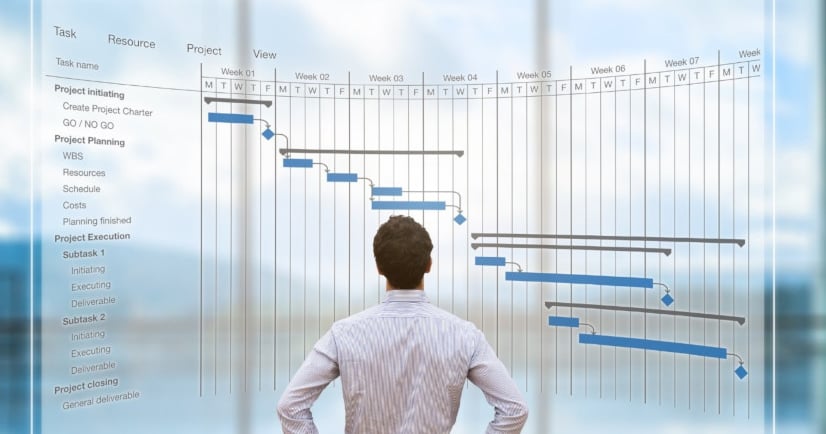

Managing jobs, crews, and timelines is one of the biggest challenges for contractors. Whether you run a construction company, field service business, or small contracting team, keeping everything organized manually can lead to delays, missed jobs, and lost revenue.
That’s where contractor scheduling software comes in.
In this guide, we’ll explain what it is, the best tools available in 2026, key features, and how to choose the right one for your business.
What Is Contractor Scheduling Software?
Contractor scheduling software is a digital tool that helps you:
Plan and assign jobs
Schedule workers and subcontractors
Track project timelines
Manage multiple jobs at once
👉 It acts like a central control system for all your projects, helping you stay organized and avoid delays.
Why Contractors Need Scheduling Software
Without proper scheduling, contractors often face:
Missed deadlines
Double-booked crews
Poor communication
Cost overruns
Scheduling software helps by:
Improving team coordination
Optimizing resource allocation
Reducing delays
Increasing productivity
Best Contractor Scheduling Software in 2026
1. Procore (Best for Large Projects)
A powerful construction management platform.
Key features:
Advanced scheduling tools
Real-time collaboration
Reporting and analytics
💡 Best for: Large contractors and enterprise projects
2. Buildertrend (Best for Home Builders)
Designed for residential construction businesses.
Key features:
Project scheduling
Client communication
Budget tracking
💡 Best for: Home builders and remodelers
3. Connecteam (Best for Small Teams)
An affordable, easy-to-use scheduling tool.
Key features:
Employee scheduling
Time tracking
GPS tracking
💡 Best for: Small to mid-sized contractors
4. Jobber (Best for Field Service Contractors)
Popular among service-based contractors.
Key features:
Job scheduling
Client management
Invoicing
💡 Best for: Cleaning, HVAC, plumbing, and service businesses
5. Smartsheet (Best for Flexibility)
A flexible project management and scheduling tool.
Key features:
Gantt charts
Workflow automation
Real-time tracking
💡 Best for: Teams needing customization
6. ServiceTitan (Best for Trade Businesses)
Built for trade contractors like HVAC and electrical.
Key features:
Dispatch scheduling
Mobile app for field teams
Customer management
💡 Best for: Trade service companies
7. Monday.com (Best Visual Scheduler)
A user-friendly, visual scheduling platform.
Key features:
Drag-and-drop scheduling
Team collaboration
Workflow tracking
💡 Best for: Beginners and visual planners
Key Features to Look For
Not all tools are the same—these features matter most:
1. Drag-and-Drop Scheduling
Easily assign and adjust jobs using a calendar interface
2. Real-Time Updates
Instant updates help teams stay aligned and avoid confusion
3. Resource & Crew Management
Track workers, subcontractors, and equipment
4. Time Tracking
Monitor hours worked and job progress
5. Mobile Access
Field teams can access schedules on-site
6. Reporting & Analytics
Track performance and identify delays
👉 Modern tools also include GPS tracking, automation, and notifications to improve efficiency.
Pricing Overview
Typical pricing depends on features and team size:
Low ($10–$30/month): Basic scheduling tools
Mid ($30–$80/month): Advanced features + automation
High ($100+): Full construction management platforms
👉 Costs vary based on users, integrations, and features.
Benefits of Using Scheduling Software
Using the right tool can:
Save time on manual planning
Reduce scheduling conflicts
Improve team communication
Increase job efficiency
Keep projects on track
👉 It helps contractors deliver projects on time and within budget.
How to Choose the Right Software
Ask yourself:
How big is my team?
Do I need basic scheduling or full project management?
Do I work in construction or field services?
Do I need mobile access for field workers?
What is my budget?
👉 The best software is the one that fits your workflow and scales with your business.
Final Thoughts
Contractor scheduling software is no longer optional—it’s essential for staying competitive in 2026. Whether you’re managing a small crew or multiple large projects, the right tool can transform how you operate.
Quick Picks:
Best overall: Procore
Best for small teams: Connecteam
Best for field services: Jobber
Best for flexibility: Smartsheet
👉 Investing in the right scheduling software can help you save time, reduce stress, and grow your business faster